> ## Documentation Index
> Fetch the complete documentation index at: https://docs.learningcommons.org/llms.txt
> Use this file to discover all available pages before exploring further.
# AI plugins
> Use the ChatGPT plugin or Claude connector to access Knowledge Graph data.
Use AI plugins like our ChatGPT plugin or Claude connector to reference Knowledge Graph's comprehensive K-12 education data directly in your conversations.
Instead of manually looking up standards codes or scanning lengthy documents, you can ask ChatGPT or Claude questions about what a standard entails, how it's broken down into learning components, and what prerequisites it requires.
Both AI plugins rely on the [Knowledge Graph MCP Server](/knowledge-graph/using-knowledge-graph/mcp-server) to retrieve the relevant data.
## Tools
| Tool | Description |
| :------------------- | :------------------------------------------------------------------------------------------------------------------------------------------------------------------------------------------------------------------------------------------------------------------------------------------------------------------------------------------------------------------------------------------------------ |
| **ChatGPT plugin** | Search for Learning Commons in the ChatGPT plugin library and add the Learning Commons plugin to your account.This plugin is included in OpenAI's K-12 Educator plugin experience for [ChatGPT for Teachers](https://chatgpt.com/plans/k12-teachers/) ↗ (US K-12) and ChatGPT Education. Individual ChatGPT users may also be able to add the plugin depending on their plan and settings. |
| **Claude connector** | [Connect Learning Commons to Claude](https://claude.ai/directory/6e94f5fc-5dc8-4f0a-9fcf-741bcab4e034) ↗.This connector is free and available to all Claude users. It is also included in [Claude for Teachers](https://claude.com/solutions/teachers) ↗ (US K-12). |
## Capabilities
Both integrations use these Knowledge Graph tools to make curriculum planning, lesson development, and standards alignment more efficient:
| Capability | Description |
| :----------------------------------------- | :------------------------------------------------------------------------------------------------------------------------------------------ |
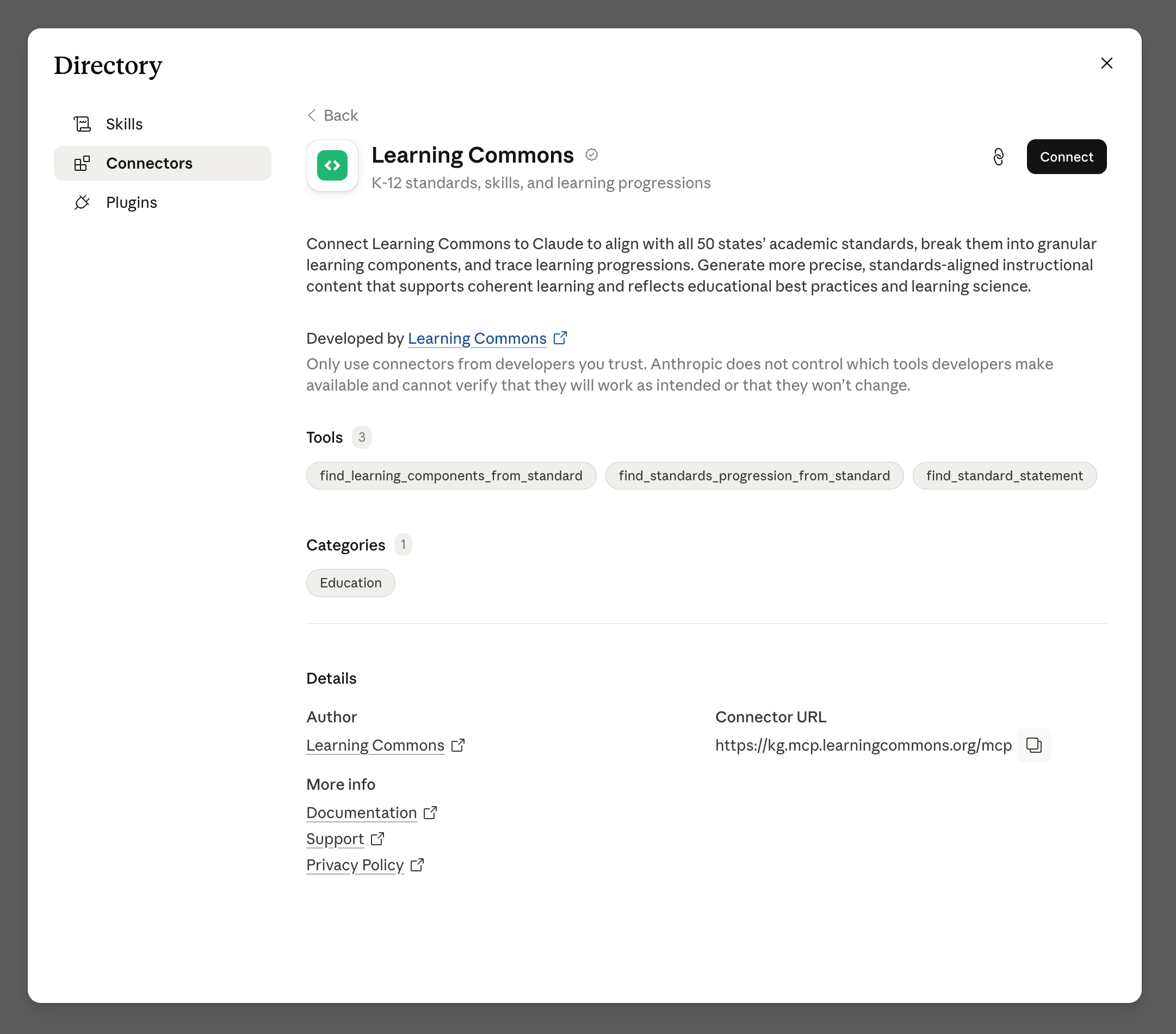
| `find_standard_statement` | Look up standards codes relevant to your state |
| `find_learning_components_from_standard` | Break broad standards down into specific teachable skills to target where students are struggling and to create focused practice activities |
| `find_standards_progression_from_standard` | Identify the sequence of standards for a student's learning journey |
## Steps
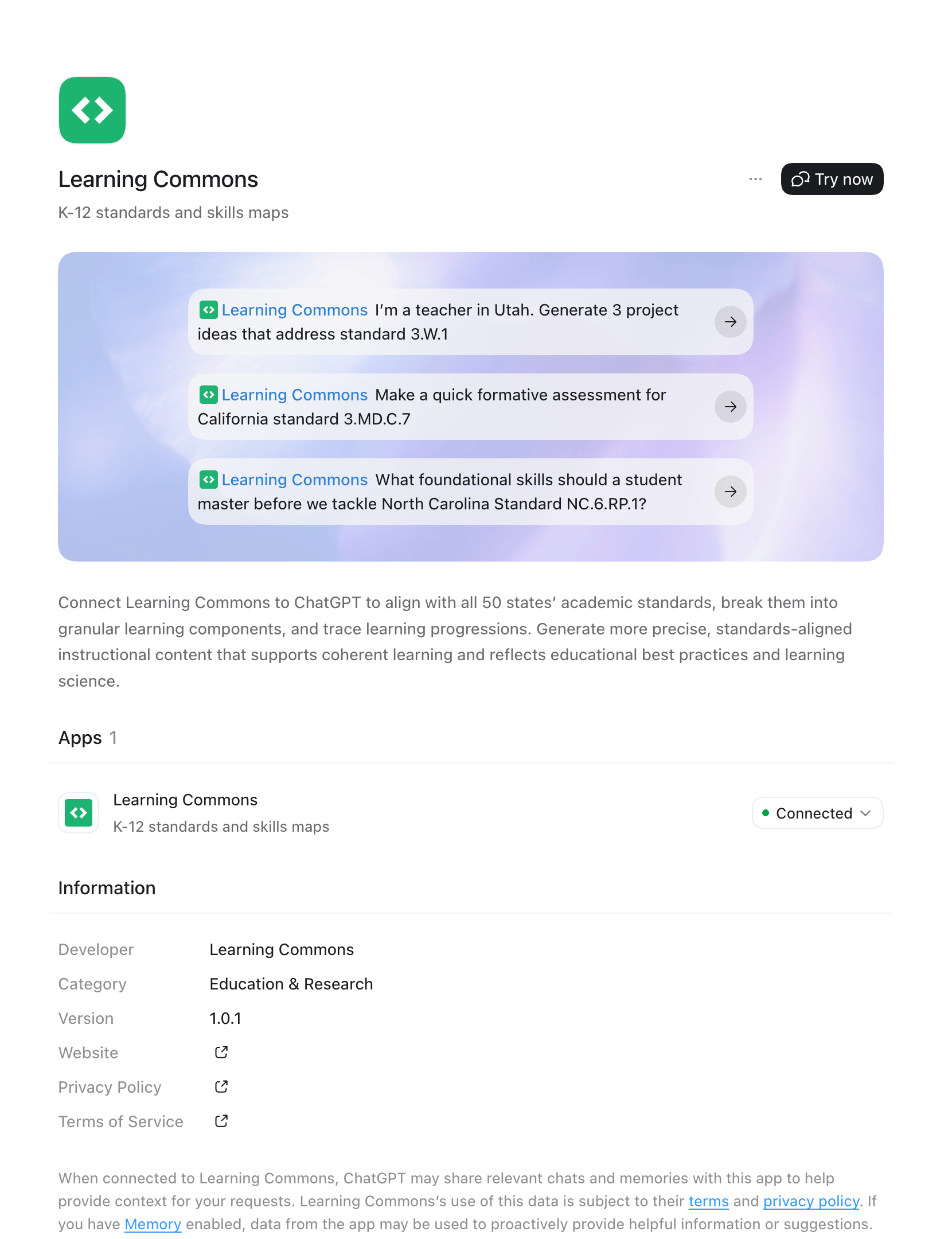
Search for **Learning Commons** in the ChatGPT plugin library and add it to your account.
The plugin is included in OpenAI's K-12 Educator plugin experience for [ChatGPT for Teachers](https://chatgpt.com/plans/k12-teachers/) ↗ (US K-12) and ChatGPT Education. Individual ChatGPT users may also be able to add it depending on their plan and available plugin settings.
 Ask ChatGPT to focus on a particular standard code (e.g., `5.NBT.A.2` or
`RL.4.1`).
Lesson ideas:
Ask ChatGPT to focus on a particular standard code (e.g., `5.NBT.A.2` or
`RL.4.1`).
Lesson ideas:
- "I'm a teacher in Utah. Generate 3 project ideas that address standard 3.W\.1."
- "Create a hands-on activity for my 5th graders that covers 5.NF.B.6 in Maine."
Assessment questions:
- "Today in class, we will be covering the Texas standard 111.40.c.3.F. Create an exit ticket for my students."
- "Make a quick formative assessment for California standard 3.MD.C.7."
Ways to support struggling students:
- "I am a 4th-grade teacher in California. A student in my new class is struggling with the concepts related to 4.OA.A.3. Which prior standards should I focus on with them?"
- "What foundational skills should a student master before we tackle North Carolina Standard NC.6.RP.1?"
Extra practice questions:
- "I am an 8th-grade teacher in Maryland. Create extra practice problems to address the Learning Components of 8.F.B.4."
Set up the [Knowledge Graph integration in Claude](https://claude.ai/directory/6e94f5fc-5dc8-4f0a-9fcf-741bcab4e034) ↗ from the Claude connector directory.
 Ask Claude to focus on a particular standard code (e.g., `5.NBT.A.2` or
`RL.4.1`).
Lesson ideas:
Ask Claude to focus on a particular standard code (e.g., `5.NBT.A.2` or
`RL.4.1`).
Lesson ideas:
- "I'm a teacher in Iowa. Generate 3 project ideas that address W\.3.4."
- "Create a hands-on activity for my 5th graders that covers 5.NF.B.6 in Maine."
Assessment questions:
- "Today in class, we will be covering the Texas standard 111.40.c.3.F. Create an exit ticket for my students."
- "Make a quick formative assessment for California standard 3.MD.C.7."
Ways to support struggling students:
- "I am a 4th-grade teacher in California. A student in my new class is struggling with the concepts related to 4.OA.A.3. Which prior standards should I focus on with them?"
- "What foundational skills should a student master before we tackle Illinois Standard 6.RP.A.1?"
Extra practice questions:
- "I am an 8th-grade teacher in Maryland. Create extra practice problems to address the Learning Components of 8.F.B.4."
## Related topics
Get set up with ChatGPT or Claude in a few minutes.
Connect agents and IDEs to Knowledge Graph data via the Model Context
Protocol.