

Tools
Capabilities
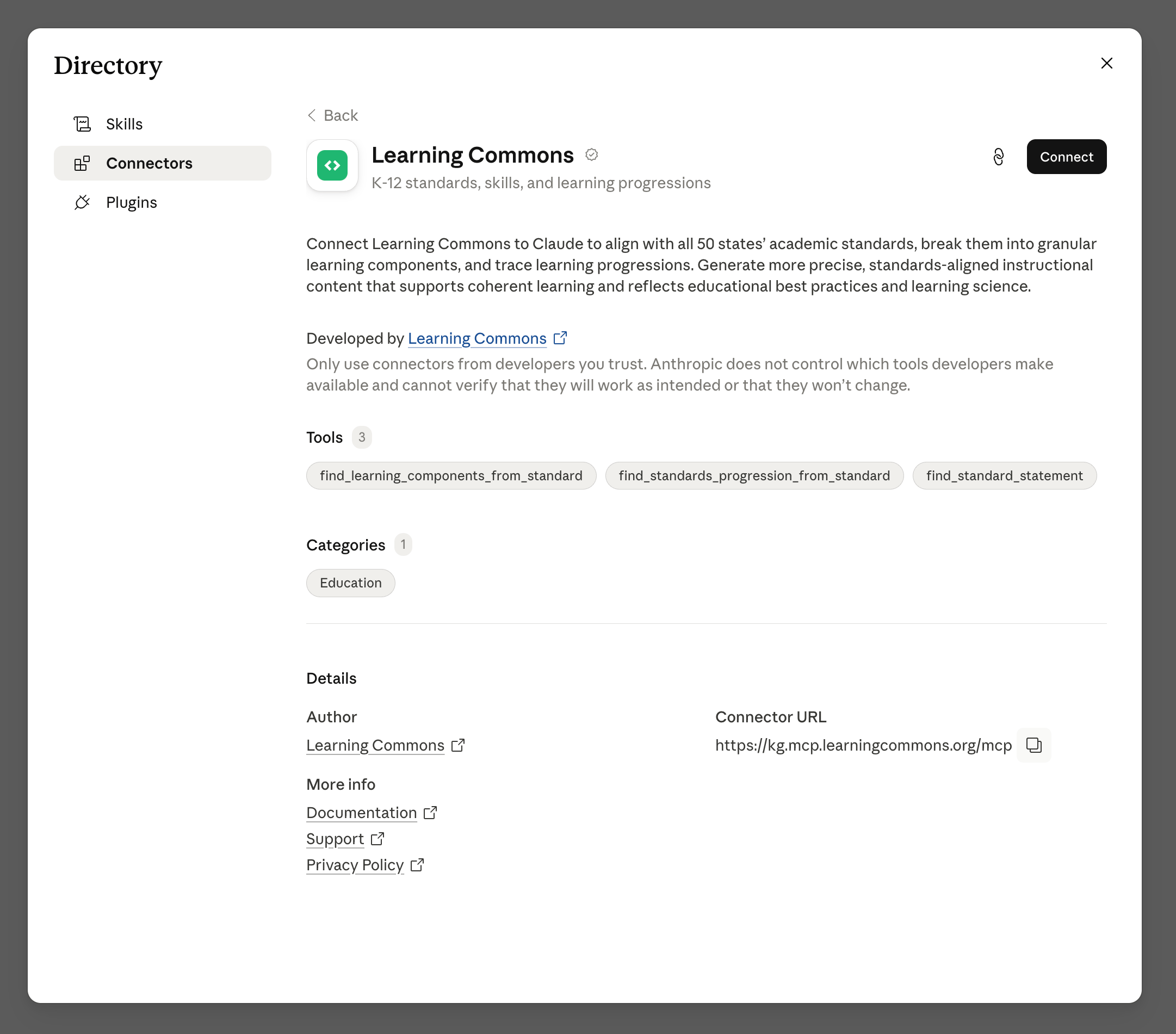
Both integrations use these Knowledge Graph tools to make curriculum planning, lesson development, and standards alignment more efficient:Steps
- ChatGPT plugin
- Claude connector
1
Add the Learning Commons plugin
Search for Learning Commons in the ChatGPT plugin library and add it to your account.The plugin is included in OpenAI’s K-12 Educator plugin experience for ChatGPT for Teachers ↗ (U.S. K-12) and ChatGPT Education. Individual ChatGPT users may also be able to add it depending on their plan and available plugin settings.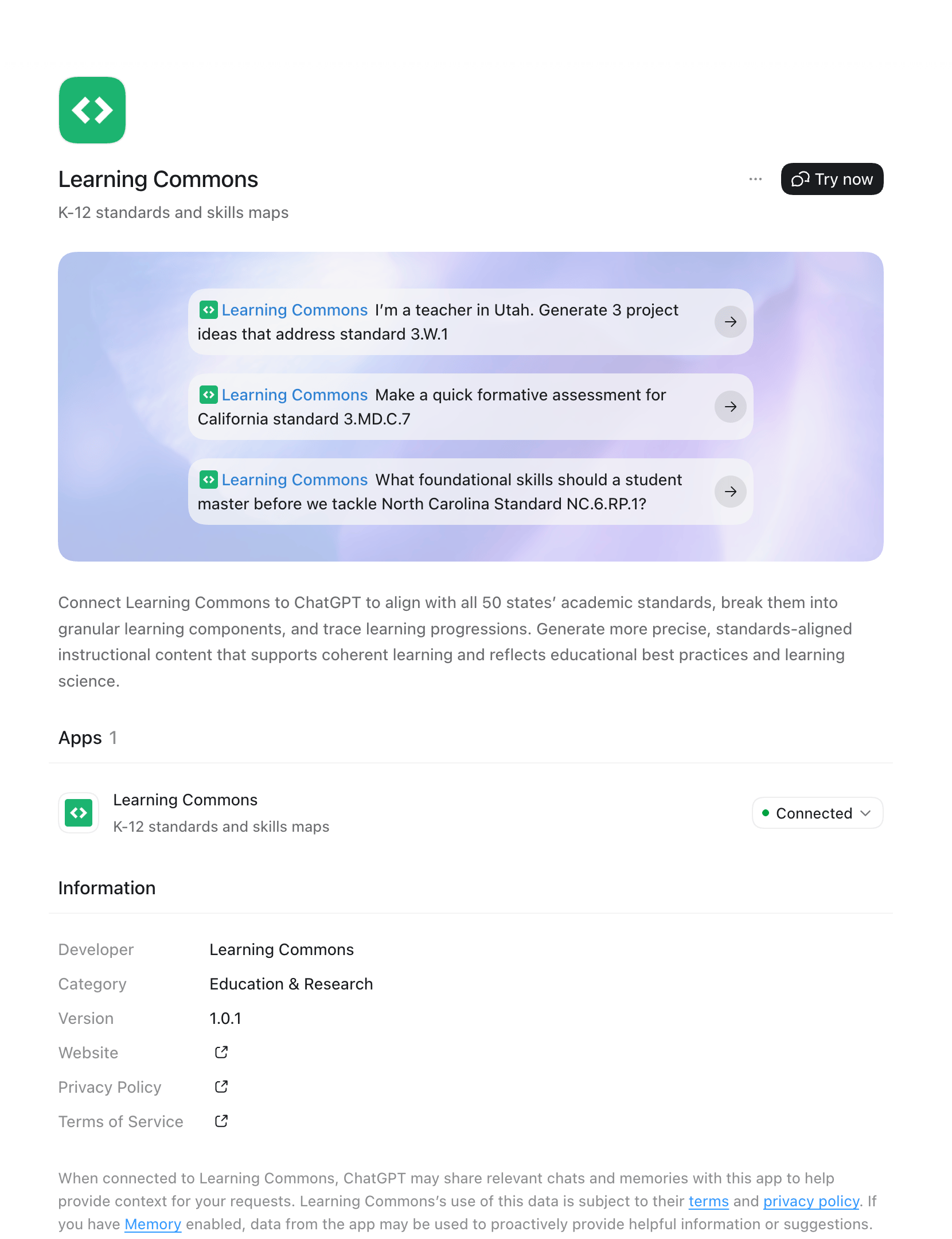
2
Choose a standard
Ask ChatGPT to focus on a particular standard code (e.g.,
5.NBT.A.2 or
RL.4.1).3
Generate the content you need
Lesson ideas:
- “I’m a teacher in Utah. Generate 3 project ideas that address standard 3.W.1."
- "Create a hands-on activity for my 5th graders that covers 5.NF.B.6 in Maine.”
- “Today in class, we will be covering the Texas standard 111.40.c.3.F. Create an exit ticket for my students."
- "Make a quick formative assessment for California standard 3.MD.C.7.”
- “I am a 4th-grade teacher in California. A student in my new class is struggling with the concepts related to 4.OA.A.3. Which prior standards should I focus on with them?"
- "What foundational skills should a student master before we tackle North Carolina Standard NC.6.RP.1?”
- “I am an 8th-grade teacher in Maryland. Create extra practice problems to address the Learning Components of 8.F.B.4.”
Related topics
Quickstart
Get set up with ChatGPT or Claude in a few minutes.
MCP server
Connect agents and IDEs to Knowledge Graph data via the Model Context
Protocol.