

Using Knowledge Graph
You can access Knowledge Graph data in several ways:Steps
- Local files
- REST API
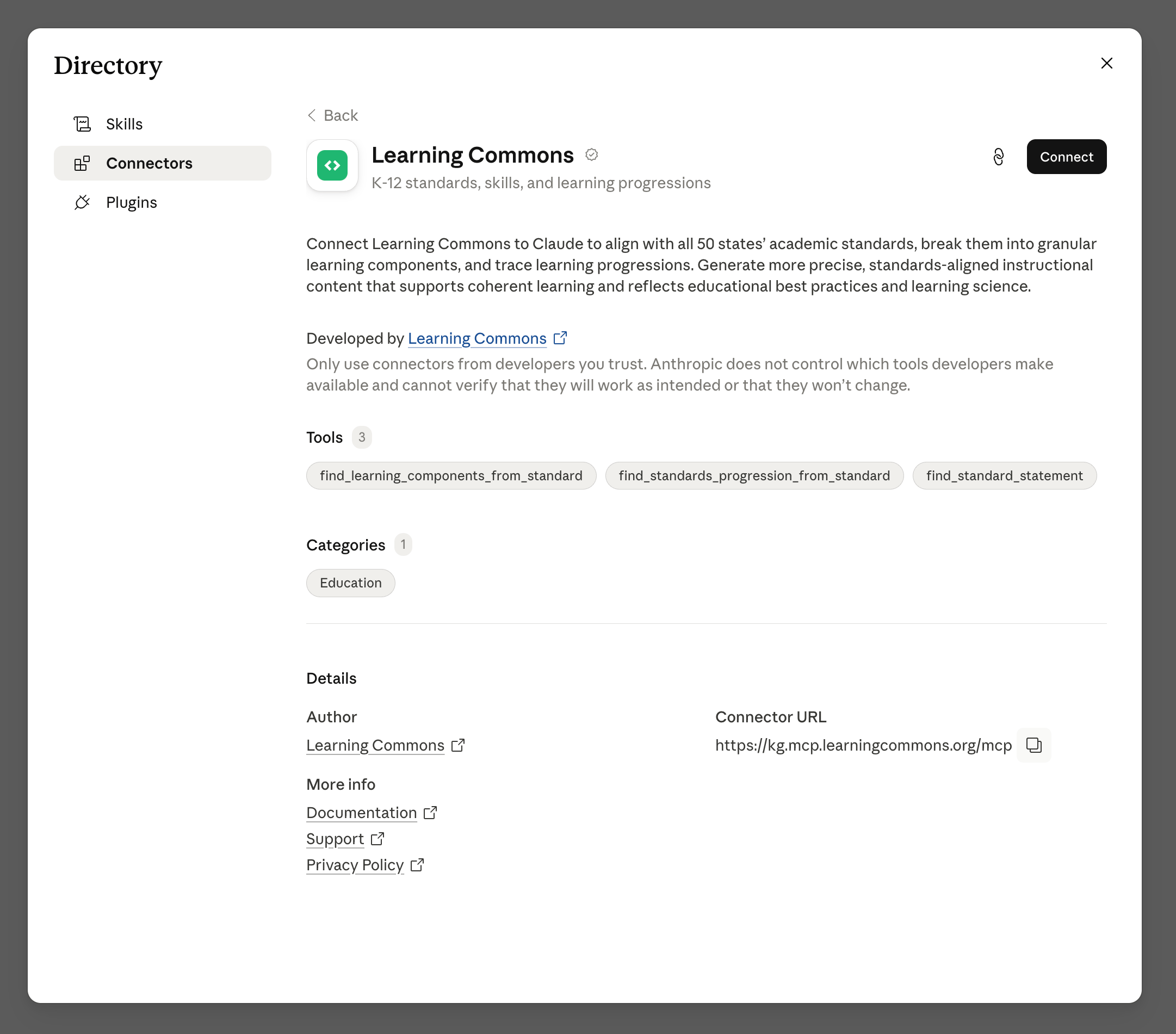
- MCP server
- Agent plugins
Query the Knowledge Graph for the educational data you’re interested in.
Use the Dataset catalog
1
Open the Dataset catalog
Sign in to Platform ↗ and open the Dataset catalog ↗.See Dataset catalog for how datasets are grouped and which files are , , , or .
2
Choose a dataset or file
Browse a category and open the dataset you need. Each dataset includes one or more file downloads.If you only need part of a dataset (e.g., ELA standards from U.S. academic standards), download that file — you do not need the whole dataset or the entire Knowledge Graph.
3
Download or request access
For Open files, download the listed JSONL files and query them locally.For Gated files, an organization Admin can request access from the publisher.
Download directly
1
Download the Knowledge Graph files
You can download all open datasets in the Knowledge Graph using the following methods:
-
Direct links -
nodes.jsonl↗ andrelationships.jsonl↗ -
curl↗ commands:To download gated datasets, an organization Admin can request access in the Dataset catalog ↗.
2
Install jq
Install
jq ↗, a lightweight command-line JSON processor.3
Query the JSONL files
Query your downloaded files for the data you’re interested in.e.g., To get Common Core Math Standards, filter for nodes with a
StandardsFrameworkItem label, a Multi-State jurisdiction (Common Core), and a Mathematics academic subject:
Related topics
API Reference
Explore API endpoints to access Knowledge Graph data programmatically.
Tutorials
Follow a step-by-step tutorial to query frameworks and tag content.